
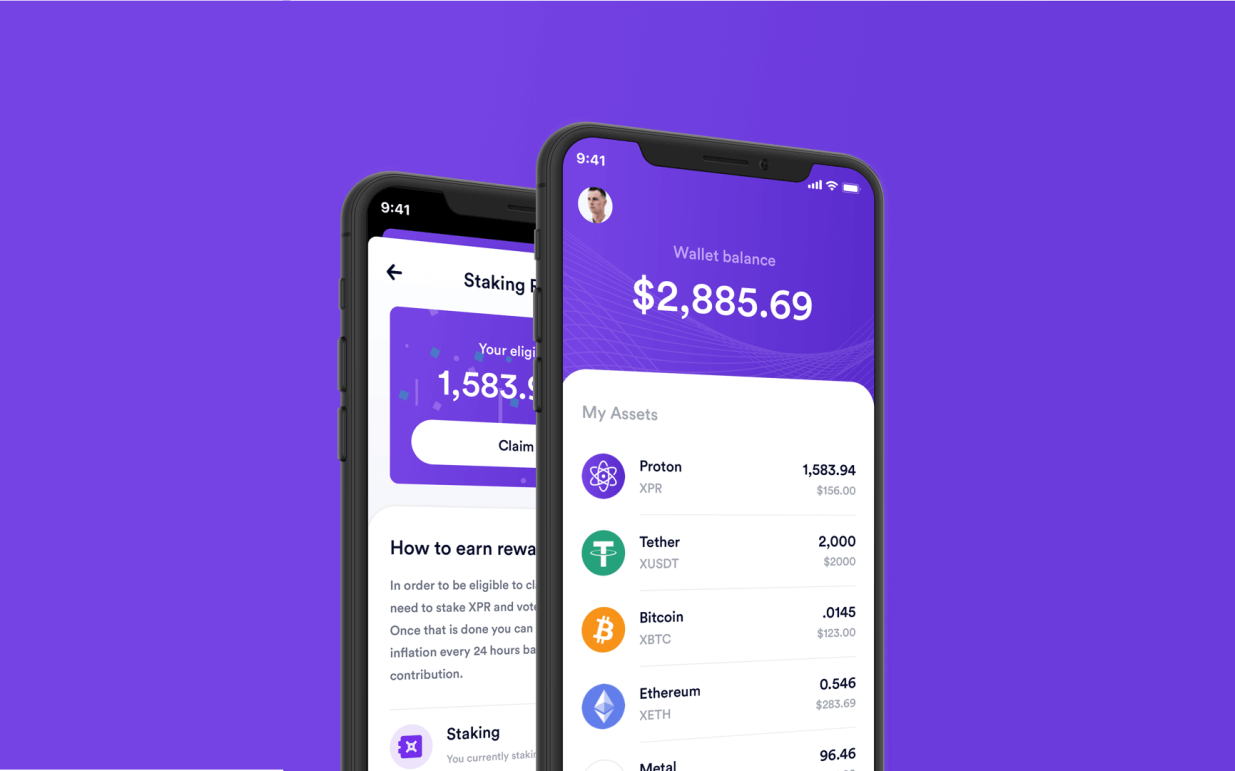
Data recovery is the process of recovering files from either deleted, damaged, formatted, inaccessible device from which cannot be accessed in a usual way. Loosing private key for your Proton wallet can happen in multiple ways and it doesn't necessary mean that key is lost forever.
We will describe some possible scenarios where you might need to search in case you lost your private key.
Remember! Always make a backup of your private key! Read how you can back up WebAuth private key.
1. Check Google Drive and iCloud files for backup file
Always double check all files, where you might stored your backup file. Make sure that you checked for trash files by clicking Recently Deleted in the bottom-right corner of the window. You can read from the official site: Recover deleted files on iCloud.com.
2. If you accidentally deleted file it can be recovered
In case you accidentally deleted backup file from mobile device or desktop computer, you can recover it by using professional forensic software for data recovery.
We do not recommend using some of free tools, because they can permanently destroy data.
It's always recommended to firstly create an image of drive and later try to recover it offline. Hire an expert to ensure that approach will be as effective as possible.
3. Search for key patterns using regex
Sometimes you can misplace backup file, so you can search by using regular expression. In case you lost EOS old format key, you can use this regex:
5[A-Z0-9a-z]{50}\bExample of EOS private key:
5JjpaPGyMDfhTqUukvKzWacy...Essentially it means any phrase starting with 5 and having 50 characters after it either A-Z, 0-9 or a-z. It also adds a \b at the end to signify end of line or string.
Example of newer format:
PVT_K1_2BLm5d9WrnJRmpB...If private key starts with PVT_K1 then you need to search, something like this:
grep -Ril "PVT_K1" /4. Check your clipboard history
If you have clipboard turned on, then you can check for clipboard history on Windows.
Go to Settings -> System -> (Scroll down to) Clipboard -> check if "Clipboard history" is on or off. To retrieve clipboard history press Windows logo key + V.
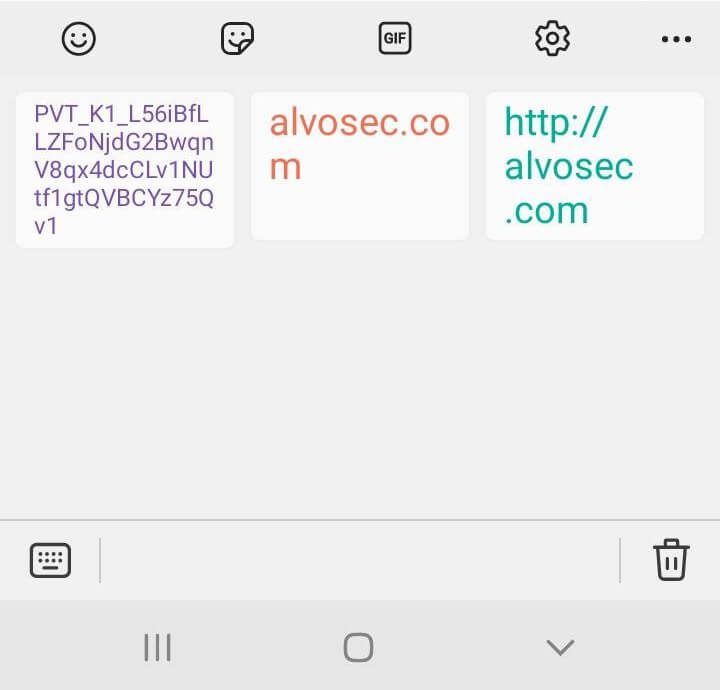
Check clipboard history on Android (keyboard -> clipboard icon) as there it is stored by default. Here is an example of copied private key:
5. Contact support
Try to contact support at support@xprnetwork.org and explain to them your situation.